

How to Set Up a Travel eSIM on Android and Samsung Phones
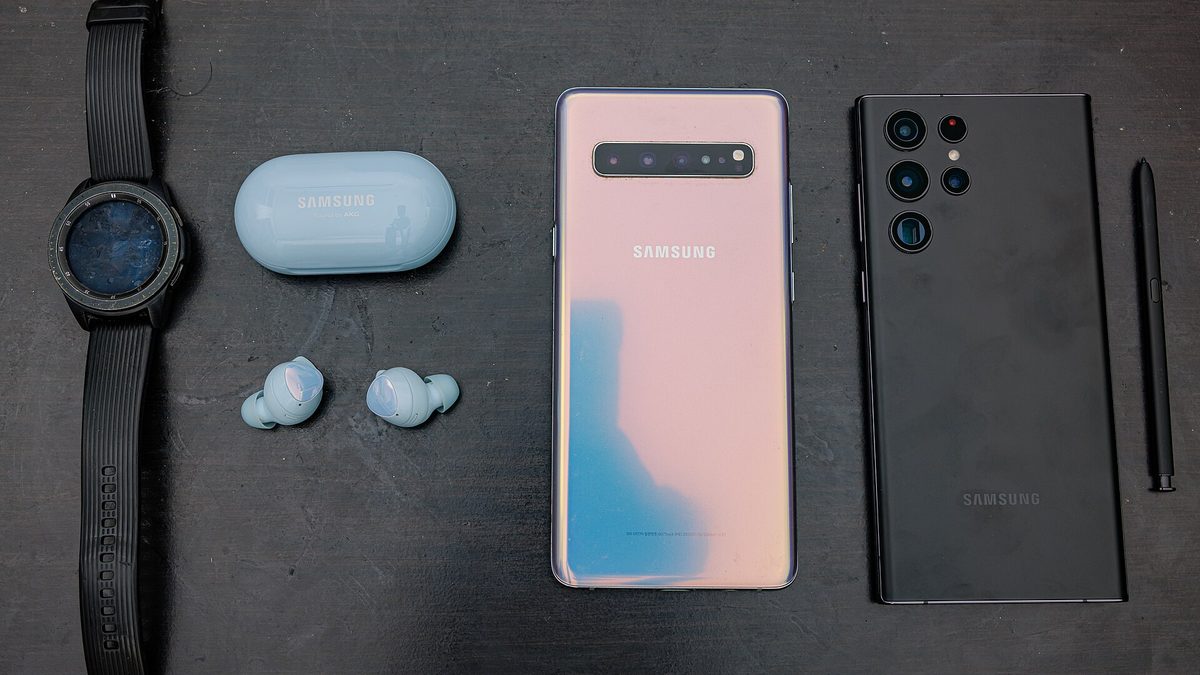
If you use an Android or Samsung phone, setting up a travel eSIM is straightforward and best done at home before you travel. By the time you land, your data is ready to switch on. Here is the clear step by step for Nigerian Android users.
Step one: check your phone supports eSIM
Many recent Android and Samsung phones support eSIM, though it varies by model. When you buy through us we confirm your phone is compatible first, so you travel with confidence. Make sure your phone is unlocked too.
Step two: buy your plan and get your QR code
Choose your destination and plan, pay a clear fixed price, and you receive a QR code with simple instructions. Do this at home on your wifi, calmly, rather than at the airport.
Step three: add the eSIM in settings
Open your Settings, go to Connections or Network, then SIM manager or mobile network, and choose to add an eSIM or download a SIM. Scan the QR code we sent you, and your phone downloads the eSIM in a minute or two. Menu names vary slightly by brand.
Step four: set your lines
Name the eSIM after your destination for clarity. Keep your Nigerian line for calls and messages, and set the eSIM for data. You can leave the eSIM data off until you arrive so it uses nothing early.
Step five: land and switch on
When you land, open your SIM settings, select the travel eSIM, and turn on its data. Within moments you are connected, ready for maps, messages, and rides straight from the arrivals hall.
Frequently asked questions
My menu looks different. Is that a problem? No, Android brands name things slightly differently, but the steps are the same, and we help if you get stuck.
Will it use my Nigerian data? No, the eSIM has its own data. Your Nigerian line stays for calls and bank messages.
Set up with Book with Hadey
We guide you through setup on your exact phone and match you to the right plan, then book your flights too.
Set up your Android eSIM before you fly and land ready. Get your travel eSIM with Book with Hadey, and for visas and travel support, see Hadey Travels Global.
Buy a travel eSIM
Get started with Hadey →